
TAMM Application Status: How to Check Your Application Online
Tags: tamm abu dhabi application status, tamm application status check, tamm application tracking, tamm status check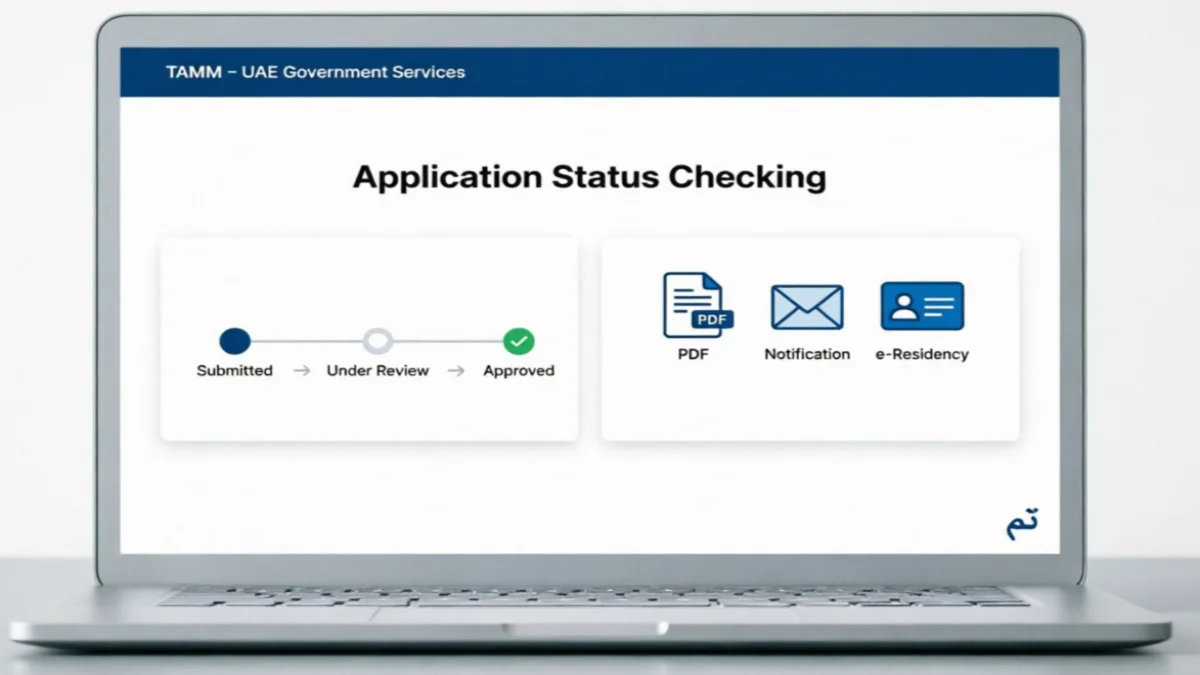
If you have applied for an Abu Dhabi government service through TAMM, you can check the current status of your application. The TAMM platform provides access to a wide range of Abu Dhabi government services, including residency, Emirates ID, transport, business, education, and others.
The application status lets you know whether your request is still being processed, has been approved or rejected, or requires further action.
In this guide, we explain how to check your TAMM application status, what to do if your application is still pending and how to get help if you cannot find an update.
What Is TAMM?
TAMM is Abu Dhabi’s unified platform for government digital services. It enables individuals to access various government services online, eliminating the need to visit government offices for every task.
The platform offers services for both the general public and businesses. These include services related to residency and identity, driving and transport, traffic fines, education, healthcare, and business operations.
To access many of TAMM’s services, users are required to sign in using UAE PASS before submitting an application. The specific steps for logging in, submitting applications, and completing other necessary procedures are outlined on the dedicated page for each service on the official TAMM website or TAMM mobile app
How to Check TAMM Application Status
You can start by visiting the official TAMM website and signing in to your account. Follow these steps to track your application:
- Visit the official TAMM website or open the TAMM mobile app.
- Sign in using your UAE Pass credentials, if required.
- Open My Requests, My Locker, or the relevant service dashboard.
- Select Service Status or the applications section.
- Find the application you submitted.
- Enter your transaction number or reference number if the service asks for it.
- Review the current application status and any required action.
For certain business-related applications, TAMM allows applicants to track an application using only the transaction number.
Check Status Through My Locker
TAMM’s ‘My Locker’ is a digital section where applicants can save their personal information and government documents. Users can also view updates related to government services and documents here. To use ‘My Locker’, users generally need to sign in using UAE Pass.
After logging in:
- Open your profile or account dashboard.
- Select My Locker.
- Go to the Applications or Service Status section.
- Choose the relevant application.
- Check its progress, history, and pending requirements.
Depending on the service, the application may also appear directly on the service dashboard.
What Does TAMM Application Status Mean?
The status shown on your application depends on the particular service and government entity handling it.
| Application Status | Meaning |
|---|---|
| Submitted | Your application has been submitted successfully |
| Under Review | The responsible department is checking your application |
| Pending | Processing is not yet complete |
| Approved | Your request has been approved |
| Rejected | Your application has not been approved |
| Completed | The requested service has been completed |
| Action Required | You need to complete an additional step |
For some Abu Dhabi services, applicants receive an email or SMS when the status changes. An ACTVET TAMM user guide, for example, states that submitted applications can remain In Progress during assessment and may later become Completed after approval.
What You Need to Track an Application
Keep the following details available:
- TAMM transaction number.
- Application or reference number.
- UAE Pass login details.
- Emirates ID, where requested.
- Registered mobile number and email address.
- Copies of documents submitted with the application.
The reference number is usually shown on the confirmation page after successful submission. It may also be sent by SMS or email.
Why Is My TAMM Application Still Pending?
A TAMM application may remain pending for several reasons. Let’s check it:
The relevant government department may still be reviewing your documents or information. Some applications also require approval or verification from another government authority.
For example, TAMM lists several residency and Emirates ID services that are connected with the Federal Authority for Identity, Citizenship, Customs and Port Security.
Other possible reasons include:
- Your documents are still being reviewed
- Additional information is required
- A payment has not been completed
- The application needs approval from another department
- The service has a longer processing period
- Your application is waiting for verification
Processing times vary for each service. The estimated processing time is indicated on some official TAMM service pages. For example, a timeframe of two working days is specified for family residency services, although the actual processing time may vary depending on the application.
What to Do If TAMM Application Status Is Not Updating
If your application has been pending for longer than the specified processing time for the service, please check the application again for any new messages or requests.
You should also check:
- Whether all required documents were submitted.
- Whether the required fee was paid.
- Whether TAMM has requested additional information.
- Whether your contact details are correct.
- Whether the stated processing period has passed.
If everything appears to be complete but there is still no update, you can contact Abu Dhabi Government support.
TAMM Customer Service Number
The Abu Dhabi government’s official website lists 800 555 as the 24/7 contact number. When contacting the support team regarding an application, have the relevant application details ready so you can clearly explain the issue. Do not share your UAE PASS password, verification code, or any account security information with anyone.
Can I Check TAMM Application Status Without UAE PASS?
The login method can depend on the service. Many TAMM services use UAE PASS for authentication.
For example, official TAMM service pages for economic licence and education services list UAE PASS login as part of the application process.
If your service offers another way to access the application, follow the instructions provided on its official TAMM page.
Can I Check TAMM Status on Mobile?
Yes, TAMM provides government services through its mobile app and online platform. For certain government services, it is explicitly stated that applications can be submitted via the TAMM platform or mobile app. If you have already submitted an application, sign in to the official TAMM app to view your application details.
What If My TAMM Application Is Rejected?
If your application is rejected, check the reason provided by the concerned official. The next step depends on the specific service. You may need to correct the information, provide an additional document, pay the required fee, or submit a new application.
Do not submit a new application without reviewing the rejection message. The instructions provided with your application will outline the next steps you need to take.
Frequently Asked Questions
How can I check my TAMM application status?
Sign in to the official TAMM platform using an available login method, then open your submitted application to view its latest status.
What should I do if my TAMM application is pending?
First, check if TAMM has requested additional documents, information, or payment. If the standard processing time has passed and you still haven’t received an update, contact the Abu Dhabi Government support team.
Can I check my TAMM application on my phone?
Yes, TAMM services are available via the official mobile app, although the available options depend on the specific service.
Conclusion
Checking the status of your TAMM application is very easy using the official TAMM website or mobile app. Log in via UAE Pass and open ‘My Requests’, ‘Service Status’, ‘My Locker’, or the relevant service dashboard. Keep your transaction number handy, check for any pending document requests, and if the application status remains unchanged after the stipulated timeframe, contact official TAMM support.