
Lulu Salary Card Balance Check: Easy Ways to Know Your Balance in the UAE
Tags: lulu balance check, lulu salary card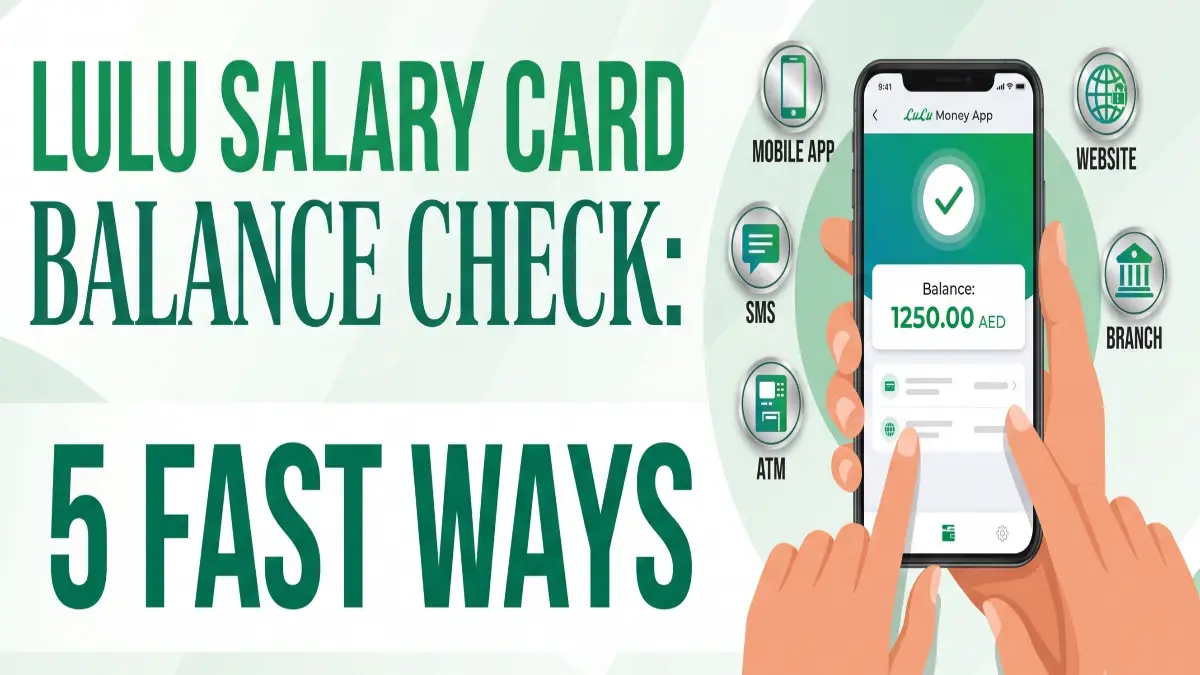
If you use a Lulu Salary Card in the UAE, checking your balance is quick and simple. You can do it through SMS, phone call, the LuLu Money app, ATM, or by visiting a branch, depending on what is easiest for you.
Many people check their salary card balance to confirm that their salary has been credited, track spending, and avoid payment problems. It is a useful habit, especially for workers who depend on the card for daily expenses.
Through this guide, you will know the LuLu Salary Card balance check online process, via mobile app, SMS, ATM, and more. Also ensures you can track your earnings, manage household budgets, and send money back home seamlessly.
5 Easy Ways to Check Your LuLu Salary Card Balance
LuLu Exchange offers several free and convenient ways to view your funds. You can choose any of these methods at any time, according to your needs.
1. Online Balance Check via the LuLu Money App
Online process is the fasted and most secure way to track your funds in real time is by using the official digital remittance platform: the LuLu Money App.
- Step 1: Download the official LuLu Money App from the Apple App Store or Google Play Store.
- Step 2: Log in to your account using your registered mobile number and security PIN.
- Step 3: From the dashboard, check the “My Cards” or “LuLu Money Cards” option.
- Step 4: Your virtual card will appear at the top section of the screen, where you can clearly display your Available Balance and recent salary deposits.
2. LuLu Card Balance Check via SMS
If you do not have an active internet connection or a smartphone, you can easily use the offline SMS inquiry feature.
- Open your mobile messaging application.
- Compose a new message with the text: BAL Your 16-Digit Card Number (e.g., BAL 1234567890123654).
- Send it to the official LuLu Exchange balance inquiry number: 51199.
- Within a few seconds, you will receive a standard text message containing details of your current balance, the amount of your last transaction, and the last salary credit.
Note: Ensure you send this text using the exact mobile number registered with your LuLu account, or the system will reject the request. Standard network operator SMS fees may apply.
3. Checking Balance Online Through the Website
You can check your balance directly on the portal.
- Go to the official website (luluexchange.com or lulumoney.com).
- Navigate to the WPS Payroll / Card Services section.
- Enter your 16-digit Card Number alongside your Date of Birth or PIN.
- Complete the CAPTCHA security validation and click Submit to view your balance.
4. ATM Verification
You can use your physical LuLu payroll card just like a standard debit card at any ATM.
- Visit any LuLu Exchange ATM or an affiliated bank ATM across the UAE.
- Insert your card and type in your 4-digit secret PIN.
- Select Balance Inquiry from the screen options.
- The machine will display your balance on the screen or print out a paper receipt upon request.
5. At LuLu Exchange Branches or POS Terminals
If you are out shopping or visiting a local market, you can check your balance in person.
- Branches: You can walk into any of the 140+ LuLu Exchange branches in the UAE with your card and Emirates ID for verification. The representative at the customer service counter will check your balance for you.
- POS Terminals: When making a payment at LuLu Hypermarket or a partner merchant, you can ask the cashier to check your balance instantly on the card reader terminal before processing the transaction.
LuLu Salary Card Fee Structure & Inquiry Limits
| Method | Fee Charged | Availability |
| LuLu Money App | Free | 24/7 |
| LuLu Website Portal | Free | 24/7 |
| LuLu Exchange ATMs | Free | 24/7 |
| Other UAE Bank ATMs | AED 1 to AED 2 | 24/7 |
| SMS Balance Inquiry | Standard carrier network fees | 24/7 |
| Branch Counter / POS | Free | During business hours |
Frequently Asked Questions (FAQs)
What should I do if I lose my LuLu Salary Card?
If your card is lost, immediately open your LuLu Money App, go to the “Manage Account” section, and block the card. Additionally, call the customer support helpline at +971600522204 to prevent unauthorized use and arrange for a replacement.
Can I use my LuLu Salary Card to transfer money internationally?
Yes, since it integrates seamlessly with the LuLu Money App, you can instantly send money internationally at excellent exchange rates using the funds on your card without needing a regular bank account.