Physical Address
304 North Cardinal St.
Dorchester Center, MA 02124
Physical Address
304 North Cardinal St.
Dorchester Center, MA 02124
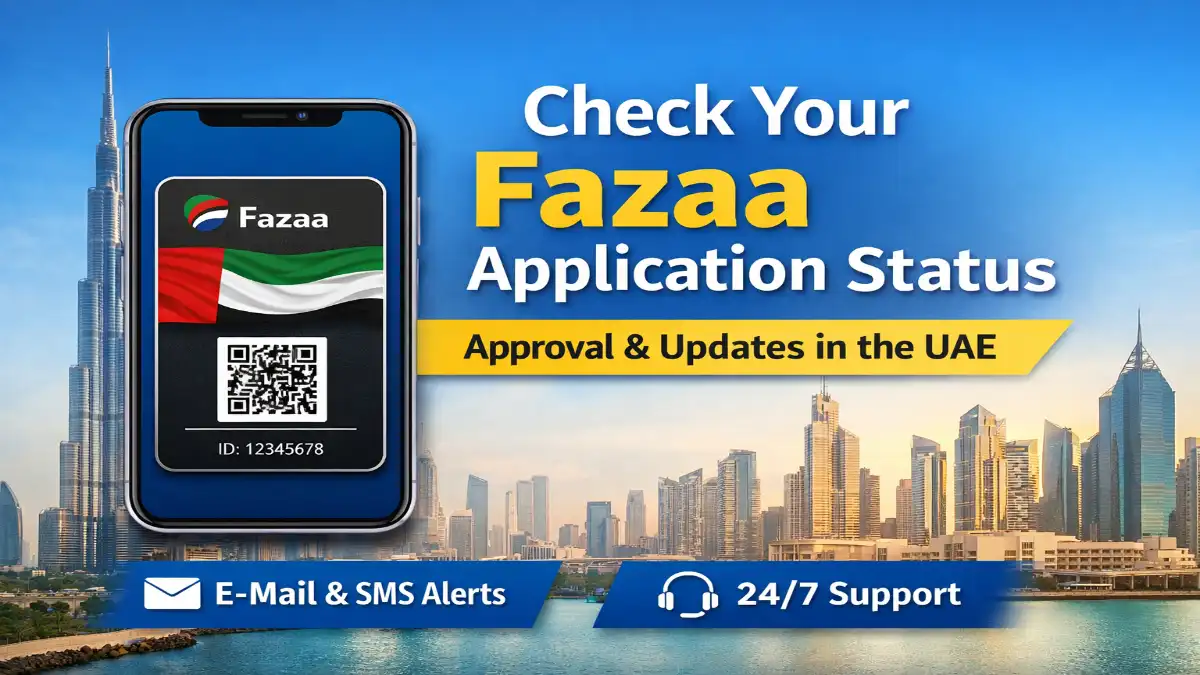
Even in 2026, the Fazaa program remains one of the UAE’s most popular membership programs. This card offers members exclusive discounts on healthcare, shopping, travel, hotels, restaurants, and various other services.
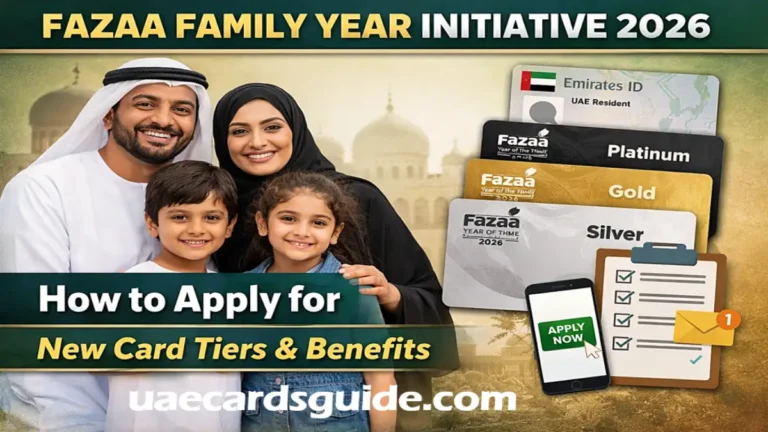
With the UAE launching several family-focused initiatives during the Year of the Family 2026, more residents have started applying for Fazaa membership. Because of the increasing number of applications, many people want to know how to check their Fazaa application status and when their membership will be approved.
If you have recently applied for a card, here is a clear guide explaining how you can track your Fazaa application status and what you can do if its status is still ‘Pending’.
| Notification Received | What it Means |
| OTP SMS | Your mobile is verified; application is now in queue. |
| “Verification Failed” | Re-upload your Emirates ID; ensure the photo is clear. |
| SMS with Member ID | Approved. You can now log in and use the card. |
| App Crash on Login | Usually a sync issue; try reinstalling the app or clearing cache. |
Unlike many government services, Fazaa does not have a separate tracking page where you can enter a reference number. Instead, updates are typically sent via the app, SMS, or your account dashboard.
Here are the main ways to check your Fazaa membership application status.
You can track your membership through the official Fazaa App. This app serves as a central platform where members manage their accounts and avail themselves of offers.
Once your application is approved, the app will display your digital Fazaa card, which includes a QR code you can use to access discounts.
Fazaa also automatically sends updates via SMS and email during the application process. After submitting your form, you will typically receive the following:
The approval message usually includes your membership number and activation details.
Applicants who registered online can also sign in through the Fazaa official website to check the New Fazaa application status.
After logging in to your account, open the My Account section. If your application is approved, you will be able to access sections such as:
If these sections are visible, your membership is active.
In most cases, approval for Fazaa membership is granted quite quickly. However, processing times may vary depending on the volume of applications and the verification process.
Typical application stages include:
Note for 2026 Applicants: Due to the overwhelming volume of applications for the “Year of the Family” initiative, some users have reported slow website performance and virtual queues. If your status has not been updated for three days, it is likely due to excessive server traffic.
Read more – Fazaa Card Benefits
Sometimes applicants notice that their application stays in the pending stage longer than expected. This can happen for several reasons.
If the uploaded Emirates ID image is not clear, the system may fail to read the information automatically. This can delay the verification process.
Private sector employees typically require a company code provided by their HR department. If an incorrect code is used, the application cannot be verified.
During large initiatives such as the Year of the Family 2026, the system receives a high number of applications. This may slow down the approval process for some users.
Occasionally, the connection between the application system and the Emirates ID verification server may time out, especially during periods of high traffic.
If your application status has not changed for more than three working days, you may need to contact support for assistance.
The quickest way to get information about your application is to contact the Fazaa call center.
Support staff can check your application using your Emirates ID or registered phone number.
You can also send your details by email for assistance.
Support Email: info@fazaa.ae
You must include your Emirates ID number and the details you used during registration so the team can locate your application.
If the issue requires document verification or account correction, visiting a service center may help resolve it faster.
Fazaa offices are located in several UAE cities, including:
The Fazaa card remains one of the most valuable membership programs available to residents of the UAE. With discounts offered by thousands of partner brands, the card helps members save money on everyday services and lifestyle-related expenses.
Checking the status of your Fazaa application is very simple; you can do so via the mobile app, your website account, or SMS notifications. If your application is still pending, the delay is typically due to document verification or a high volume of applications.
Once your membership has been approved, you can immediately begin availing of discounts across the entire UAE using your digital card.