NOL Card Balance Check App: How to Check Your Balance
Tags: nol card app, nol card balance, nol card balance check app, nol card pay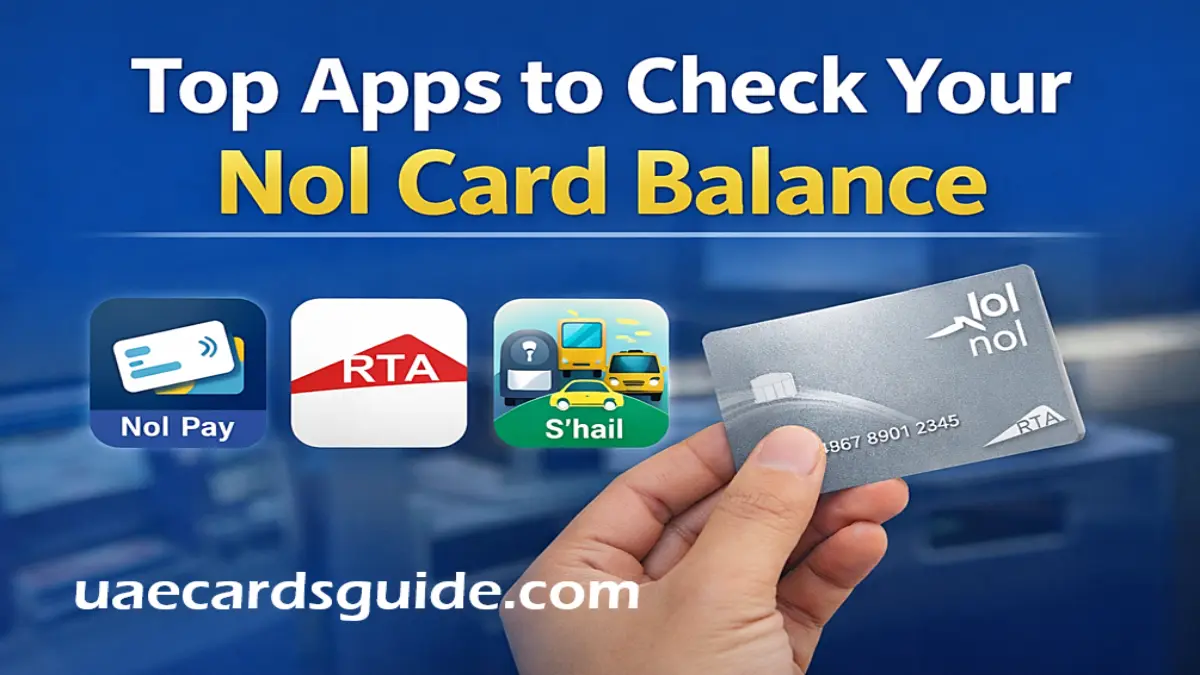
If you use a NOL Card, checking your balance is a crucial part of your life. However, those days are gone when you had to go to the metro station to check your NOL card balance. In 2026, checking your balance will be as easy as tapping your card on your phone.
If you want to avoid that awkward moment at a metro gate or station when the red light flashes “Low Balance,” you need the right app on your phone. Here are some of the best official NOL Card Balance Check Apps every Dubai commuter should know about.
Top Apps to Check Nol Card Balance in Dubai (2026)
Here you can find the list of the NOL Card Balance Check App:
1. nol Pay App (Best for Instant Checks)
The Nol Pay app is the best option for managing your Nol card. It’s the official app from the Roads and Transport Authority (RTA), specifically designed for Nol users in Dubai. You can easily download nol Pay App from Google Playstore and Apple App Store.
Why it’s great
It uses NFC technology. You don’t need to type in your card number. Simply open the app and tap your Nol card on the back of your phone. Your balance will be displayed instantly.
Features
- Instant balance and travel history check
- Top up using a credit/debit card or Apple Pay / Google Pay
- Buy or renew travel passes anytime
- Apply for a Personal (Blue) nol card directly from the app
If your phone supports NFC, this is the fastest and easiest option to check your nol balance.
2. RTA Dubai App (The All-in-One Choice)
The RTA Dubai app is a complete service app from the Roads and Transport Authority. Many people already use it for parking, vehicle fines, and driving services. You can easily download the RTA Dubai App from Google Playstore and Apple App Store.
Why it’s great
You can check your Nol card balance by entering the 10-digit Tag ID printed on the back of your card. This is useful if your phone doesn’t support NFC or you want to check someone else’s card.
Features
- Secure login using UAE Pass
- Manage multiple nol cards in one account
- Link to nol Plus and earn loyalty points
- Access many RTA services in one place
If you want everything in one app, you can easily download and install the RTA Dubai App on your mobile device and use it for various purposes, like Nol Pay balance check.
3. S’hail App (The Smart Journey Planner)
The S’hail app is primarily a journey planning app for public transport in Dubai. It helps you plan trips using the metro, tram, bus, and even taxis. You can easily download and install the S’hail App from Google Playstore and Apple App Store.
Why it’s great
The special thing about this app is that it doesn’t just show your balance. It tells you whether your current balance is sufficient for your planned trip. If your balance is low, it will alert you before your trip begins.
Features
- Real-time balance alerts
- Trip planning for Metro, Bus, and Tram
- Taxi and ride-hailing integration
- Detailed schedules and route information
This app is perfect if you want smart travel planning along with balance checking.
How to Check Your Balance Using NFC
If you are using the nol Pay app, checking your balance using NFC is very easy. Here’s a step-by-step guide.
- Turn on NFC: Go to your phone’s Settings and make sure NFC is turned on.
- Open nol Pay: Launch the app and select “Check Card Info.”
- Tap: Place your Nol card on the back of your phone (usually the top, near the camera lens).
- Hold it: there for 2–3 seconds until the phone vibrates. Your balance and expiration date will appear on the screen.
Your balance and card expiry date will appear on the screen instantly.
Conclusion
In 2026, checking your Nol Card balance is fast and stress-free. Whether you prefer the tap-and-check feature of Nol Pay, the all-in-one service of the RTA Dubai app, or the smart trip planning of S’hail App, you have great options.
So you should install at least one of these apps and make sure you never face a low balance surprise at the metro gate again.