
How to Renew a Fazaa Card Online? Using Fazaa Website and App
Tags: fazaa card, fazaa card renewal, renew fazaa card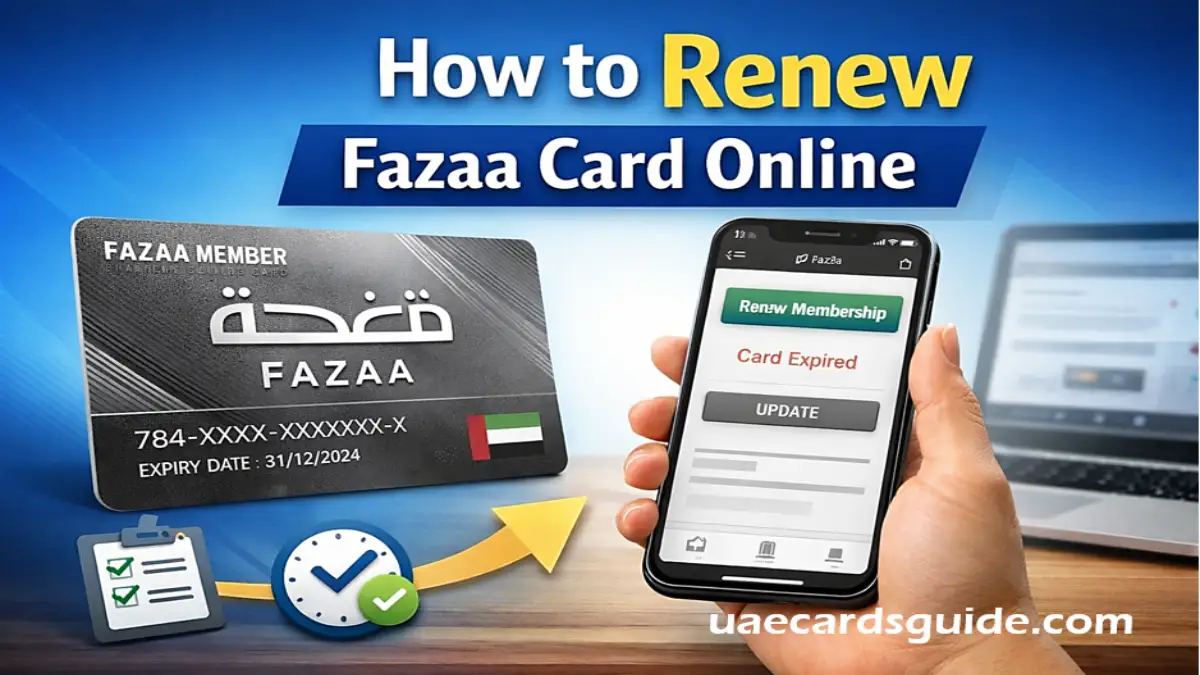
The Fazaa Card is one of the most useful discount cards in the UAE. It offers exclusive deals on shopping, travel, healthcare, education, dining, and more. However, to keep enjoying these benefits, users must ensure their Fazaa membership renewal is completed on time.
If your Fazaa Card has expired or is about to expire, this article will guide you on how to renew your Fazaa Card online, including eligibility, renewal fees, common problems, and helpful tips.
What is Fazaa Card Renewal?
Fazaa card renewal is the process of extending the validity of your existing Fazaa membership. Renewal is required when:
- Your Fazaa card validity has expired or is about to expire.
- Your eligibility details need re-verification.
- Your employment or visa status has changed.
In most cases, renewing your Fazaa card online is free, provided you still meet the eligibility requirements.
Who Can Apply for Fazaa Membership Renewal?
You can apply for Fazaa membership renewal if:
- You are a valid citizen of the UAE.
- You must hold an active Emirates ID.
- You are employed in a government, semi-government, or approved private sector organization.
- Your employer is registered under the Fazaa program.
If any of these details have changed, your renewal request may take longer or require document verification again.
How to Renew a Fazaa Card Online (Step-by-Step)
Follow these steps to complete your Fazaa card renewal online process easily:
Step 1: Open the Fazaa Website or App
- Visit the official Fazaa website or,
- Open the Fazaa mobile app on your Android or iPhone.
Step 2: Log In to Your Fazaa Account
- Sign in using your registered mobile number, email, or membership ID.
- Also Provide your Password to login.
Step 3: Check Card Expiry Status
- Tap on Digital Card or go to your profile section and check if your card has expired or is about to expire soon.
- If your card is eligible for renewal, a “Renew Now” button or notification will appear.
Step 4: Select Renewal Option
- If the renewal option is available, click on Renew Membership or Update Eligibility to proceed.
Step 5: Update Required Information
You may need to:
- Confirm Emirates ID details
- Update employer or job information
- Upload documents (only if requested)
You must ensure that all details match official records.
Step 6: Submit the Renewal Request
- Once submitted, your application will be reviewed by the Fazaa team.
Step 7: Access Renewed Digital Fazaa Card
- After approval, your renewed digital card will appear in the app automatically. Then you can get benefits or discounts.
Fazaa Card Renewal Fee – Is It Free?
It is one of the most common questions about the waht is the Fazaa card renewal fee. The renewal or subscription fees for a Fazaa card vary significantly depending on whether you are a government/corporate employee or a private resident/expatriate.
| Card Type | Estimated Renewal Fee |
| Silver Card | 19 AED per month |
| Gold Card | 69 AED per month |
| Platinum Card | 99 AED per month |
| Government/Corporate | Free (Usually Employer Sponsored) |
| Student/Senior Citizen | Free |
Currently, Fazaa does not charge any renewal fee for eligible members.
Fazaa Silver Card Renewal – Is the Process Different?
The Fazaa Silver Card renewal process is exactly the same as other Fazaa card types. If your eligibility remains valid, your Silver membership will renew automatically after approval. simply you need to follow the above steps. There are no additional steps or fees required for Silver cardholders.
Contact Support
If your card has expired and you cannot renew it through the app or website, you can contact Fazaa directly:
- Call Centre: 600 520003
- Email: info@fazaa.ae
Documents Required for Fazaa Card Renewal
In most cases, there is no documents are needed. However, if your eligibility needs verification, Fazaa may ask for:
- Emirates ID (front and back)
- Valid UAE visa
- Employee ID or salary certificate
You must always upload clear and valid documents to avoid delays.
How Long Does Fazaa Card Renewal Take?
- Normal renewal: 1–5 working days
- And in cases requiring verification, it may take up to 7 working days.
You will receive an in-app notification once your Fazaa card renewal is approved online.
Common Problems During Fazaa Card Renewal
During Fazaa Renewal, if you are facing some common problems like-
Renewal Option Not Showing
This may happen if:
- Your card is still active
- Your employer is no longer linked with Fazaa
- Your profile details are incomplete
Renewal Request Rejected
Possible reasons include:
- Expired Emirates ID
- Change in job or visa status
- Employer eligibility issues
Update your information and reapply if needed.
Can You Use Fazaa Benefits During Renewal?
If your Fazaa card has already expired, benefits are usually paused until renewal approval. Once renewed, all discounts and offers are restored automatically.
Final Word
Renewing your Fazaa card online is easy, fast, and mostly free if there are no changes to your eligibility. By renewing your Fazaa membership on time and keeping your details updated, you can continue to enjoy exclusive discounts throughout the UAE without interruption.
If you face any issues, you can contact Fazaa support through the official app or website for assistance.